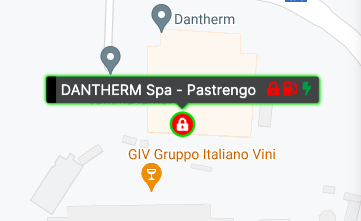
In the map the system status is also displayed throughout a position marker and a set of icons (status indicator), each having a specific meaning.
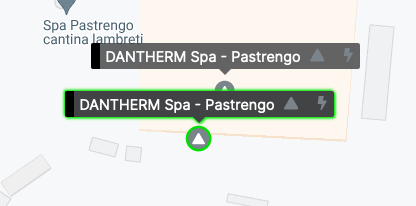
Each system on the map is shown with a position marker and a series of status indicators:
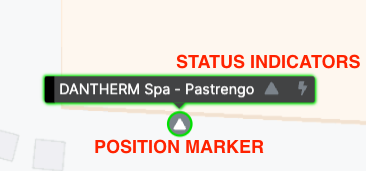
The position marker can change in any of the following icons:


(temperature control)

(humidity control)
Status indicators are display simultaneously.
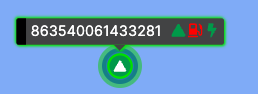
The first indicator displayed is always the same as the marker indicator.
If the fuel level sensor is installed, an additional indicator can be displayed with the following meaning:


The last indicator displays the heater power status.