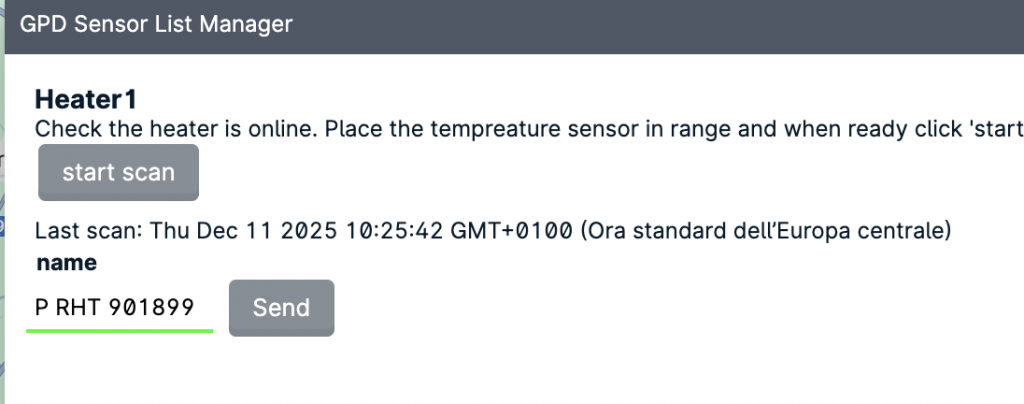
To pair the room temperature sensor use the “Wireless sensor scanner” from the “Tools” menu.
Select the heater to be coupled with the sensor and check the name appears in the Sensor List manager pane.
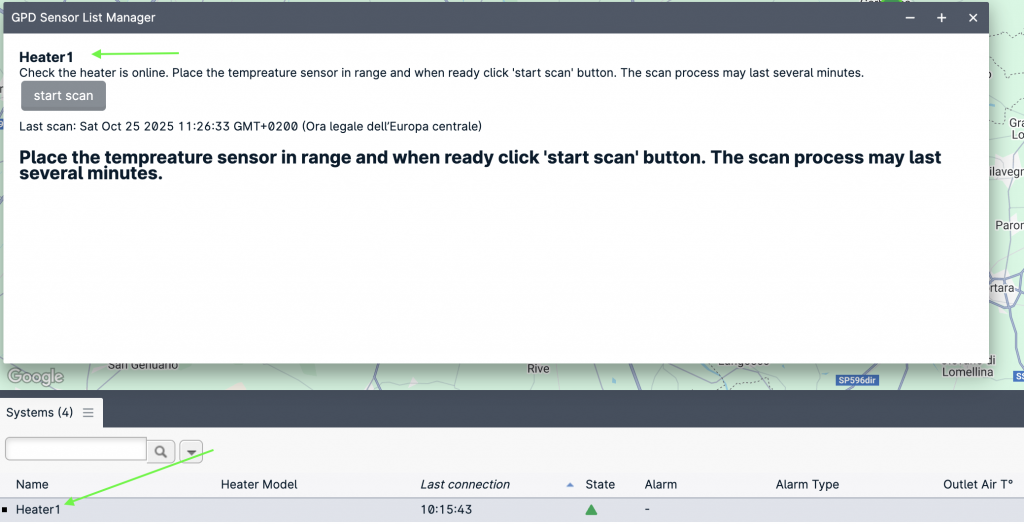
Click “start scan” and wait for the device to be listed. The can process can require up to two minutes. If no sensor is listed check the sensor is active and in range and if needed restart the scan process.
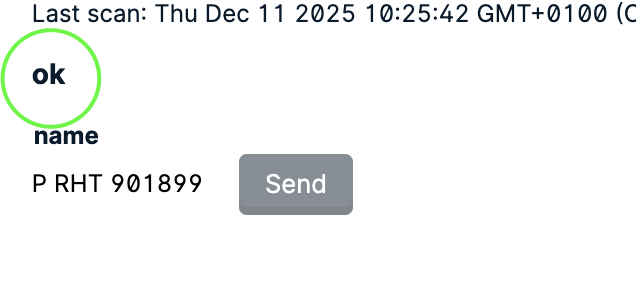
Once the device shows up in the list, click send to pair: